 Echo
EchoDictation for Mac
Talk instead of typing.
Hold a key, speak, and let go. Echo types what you said wherever your cursor is, tidied up by an AI you already have.
Signed by Bitprods and notarized by Apple
Your voice, typed. Anywhere.
Echo lives in your menu bar. It works in every app, from mail and chat to your code editor and the terminal, and never takes the focus away from what you're doing.
Hold to talk
Hold fn (or any key you like), speak, release. Double-tap for hands-free. esc cancels, even while Echo is still working.
Speech stays on your Mac
Echo's own speech model runs on your Mac in 25 languages, and works out which of your languages you're speaking. Switch mid-afternoon; change nothing.
Tidied up by your AI
Claude, Codex, a model on your Mac or Apple Intelligence removes the ums, false starts and "no wait" corrections. The words stay yours.
Careful with your words
A safety check pastes exactly what you said whenever an AI's version looks wrong, adds a preamble or answers your question instead of typing it.
Fast, and never stuck
About 70 ms without polish and about a second with Claude. If an AI is slow, Echo gives up after a few seconds and still types your words.
Private by design
No account, no tracking, no server of ours. Audio is never stored. Your history stays on your Mac, and password fields get a copy, never a paste.
How it works
Three steps, in about a second.
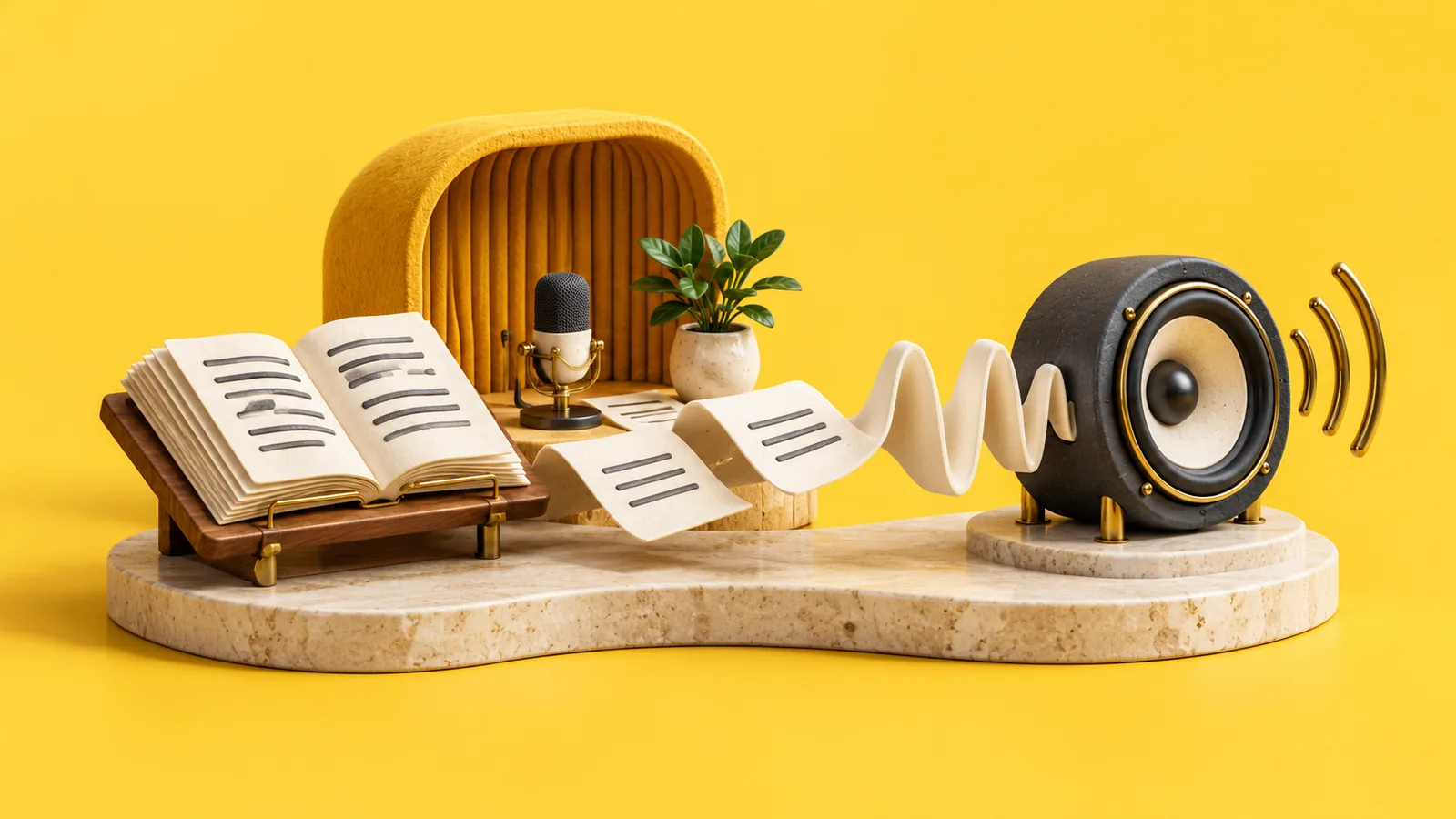
Hold and speak
A small pill shows that Echo is listening, with your words appearing live.
Echo transcribes
On your Mac, in your language. The audio is thrown away as soon as the text exists.
Your AI tidies, Echo types
The cleaned-up text lands where your cursor is, and your clipboard is put back.
Bring your own AI
Echo doesn't sell you another subscription. It uses the AI tools already on your Mac, signed in with your own account, and finds them for you.
| AI | One sentence | Uses |
|---|---|---|
| Claude (Claude Code) | about 1 s | your Claude plan |
| Codex | about 3 s | your ChatGPT plan |
| A model on your Mac (Ollama, LM Studio) | under 1 s | nothing: free and offline |
| Apple Intelligence | about 1 s | nothing: on-device |
| Any other AI command | depends | your tool |
Echo never sees your passwords, keys or tokens: it runs each tool exactly as you would in Terminal. Or turn polish off and get your words with just the ums removed.
Safe by design
Echo has the Microphone and Accessibility access a dictation app needs, and is built so nothing else can borrow it.
- Audio never leaves your Mac and is never stored. Only the text goes to the AI you choose, and only if you choose one.
- The microphone is on only while you hold the key. No background listening, ever.
- AI tools can't inherit Echo's permissions. Each one runs on its own, like a Terminal command, in an empty folder.
- No account, no analytics, no ads. This website has no cookies and no scripts either.
- Signed and notarized. macOS checks every launch that Echo is Bitprods' unmodified app.
Verify your download
The disk image's SHA-256 checksum. In Terminal: shasum -a 256 ~/Downloads/Echo-1.1.0.dmg
c35ab4f020533bea742dca4ad465d5acd3901b55241f7d6d8ee2c162d852e822
After installing, ask macOS who signed it:
spctl --assess -vv /Applications/Echo.app
It should say accepted, source=Notarized Developer ID and Developer ID Application: Bitprods (7ZMQF55V54).
Install in a minute
- Download Echo and open the disk image. Drag Echo to Applications.
- Open Echo. A short setup asks for the Microphone and Accessibility, downloads the speech model once (630 MB) and finds your AI.
- Click into any text field, hold fn and talk.
Requires macOS 26 Tahoe on a Mac with Apple silicon (M1 or later) and about 1 GB of free space.
The emoji picker opens when I press fn
In System Settings › Keyboard, set “Press 🌐 key to” to Do Nothing. Or pick another key, such as Right Option, in Echo's Settings.
Does Echo cost anything?
Echo is free. Polishing with Claude or Codex uses your own plan with them; a local model or Apple Intelligence costs nothing.
Which languages does it understand?
25 European languages automatically, including English, French, German, Spanish, Italian, Dutch, Portuguese and Polish. Apple's speech models add Japanese, Korean, Chinese and more.
What happens to my text?
It stays on your Mac in Echo's history, which you can search, export, clear or turn off. In AI mode, the text of each dictation goes to the AI you picked, under your account with them.
How do I uninstall it?
Quit Echo from its menu, drag it to the Trash, and delete the folder ~/Library/Application Support/Echo (the speech model and your history).